Binaural beats
Slightly different tones play in the left and right channels. Use stereo headphones to hear the binaural effect, then choose a comfortable level.
For teams, schools, clinics & clients
Give your people more ways to unwind. Mix soundscapes with optional binaural beats and Solfeggio tones, adjust each added layer, or follow a guided breathing exercise. Harbour brings these tools together for calm, focus and winding down.
No Harbour account. No ads. No behavioural tracking.
Sound mixing
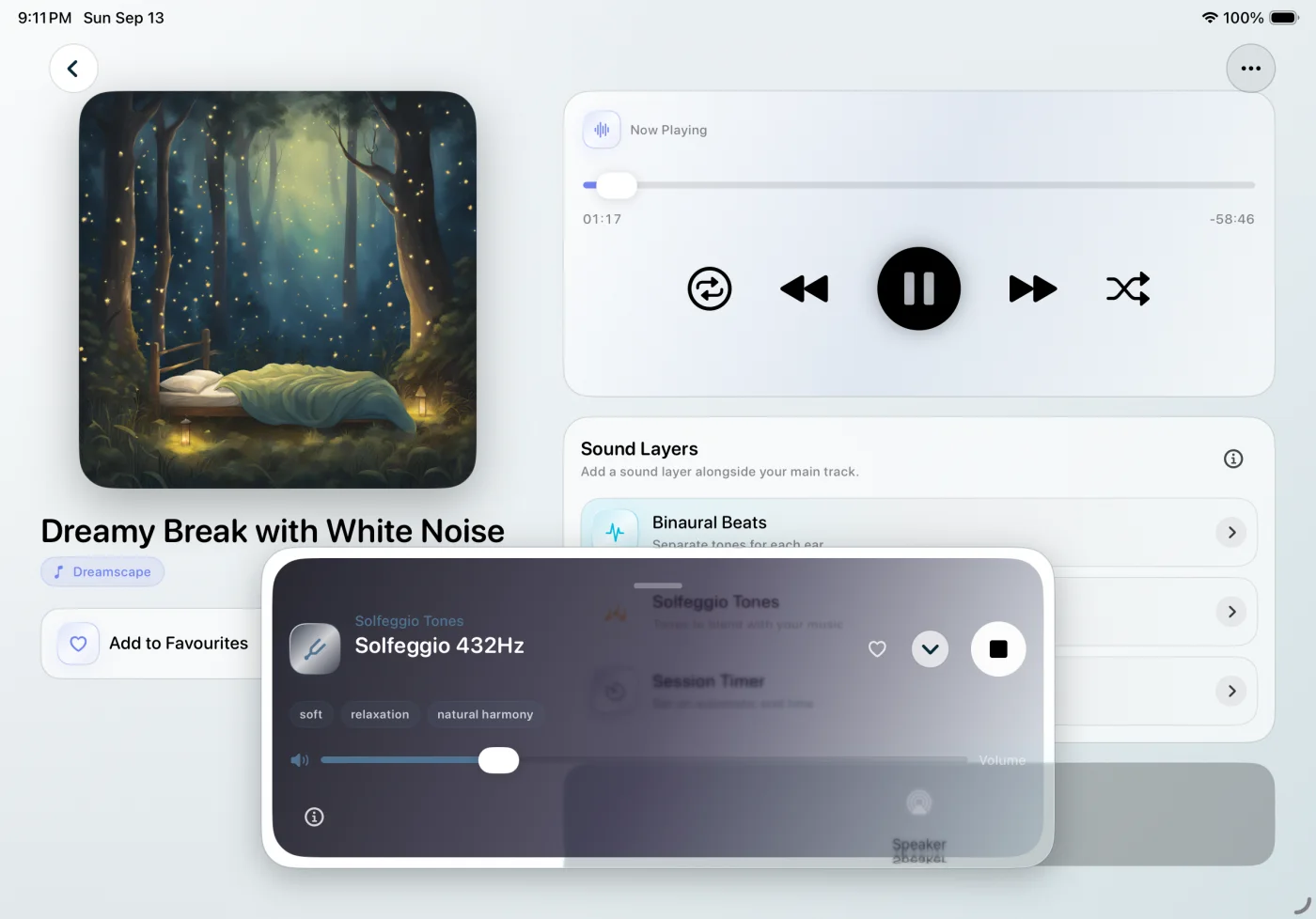
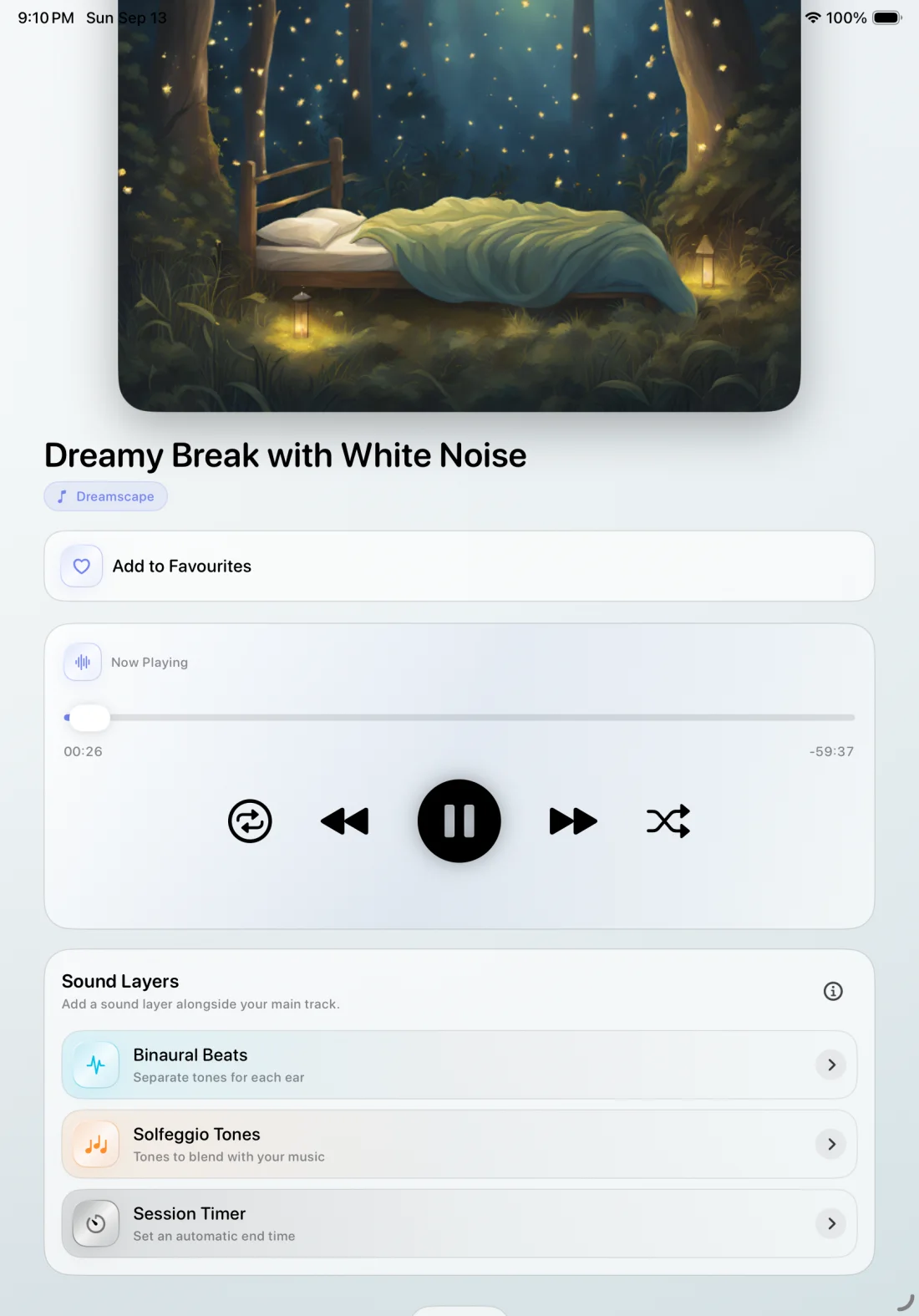
Start with music or an ambient soundscape. Add a binaural beat or Solfeggio tone, then adjust each added layer independently until the balance feels right.
Your soundscape. Your layers. Your balance.
Find music or ambient sound for a quiet break, focused work or bedtime.
Explore binaural beats and Solfeggio tones alongside your soundscape.
Adjust each added layer’s volume to suit your listening preferences.
Frequency options
Choose from Harbour’s frequency-based audio options and decide how they fit into your mix. Each is optional, with its own volume control.
Slightly different tones play in the left and right channels. Use stereo headphones to hear the binaural effect, then choose a comfortable level.
Explore the available tones by frequency, blend one with your soundscape and adjust its volume independently.
Breathing exercises
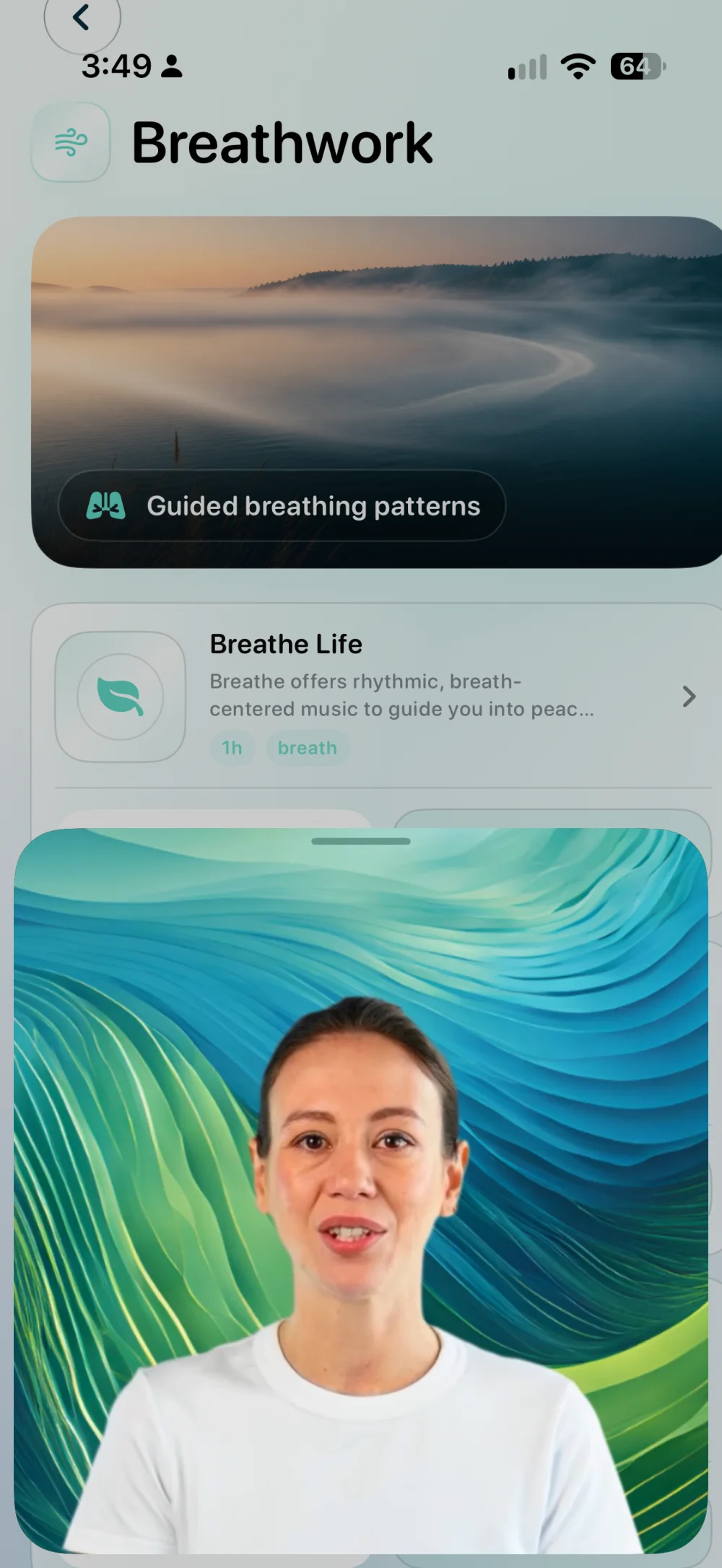
Explore guided breathing patterns, watch a technique video where available and follow the session cues. Harbour gives you something structured to follow when you want to pause and settle.
Some exercises include a short technique video before you begin.
Follow the breathing cues and bring your attention back to the exercise.
Use an exercise during a break or while winding down for the evening.
Everyday use
Choose an audio backdrop and adjust the mix to your preferences.
Step into a breathing exercise and give yourself something simple to follow.
Settle into a soundscape or include a breathing exercise in your evening routine.
Privacy by design
Harbour requires no Harbour account, carries no ads and does not build behavioural profiles. A workplace, school or clinic can provide access without receiving individual listening reports from Harbour.
Any device-management visibility is controlled by Apple and your organization.
Read the Privacy PolicySave favourite music to your device. After a download completes, play it from Harbour’s Offline Player without an internet connection.
Saved music, ready offline.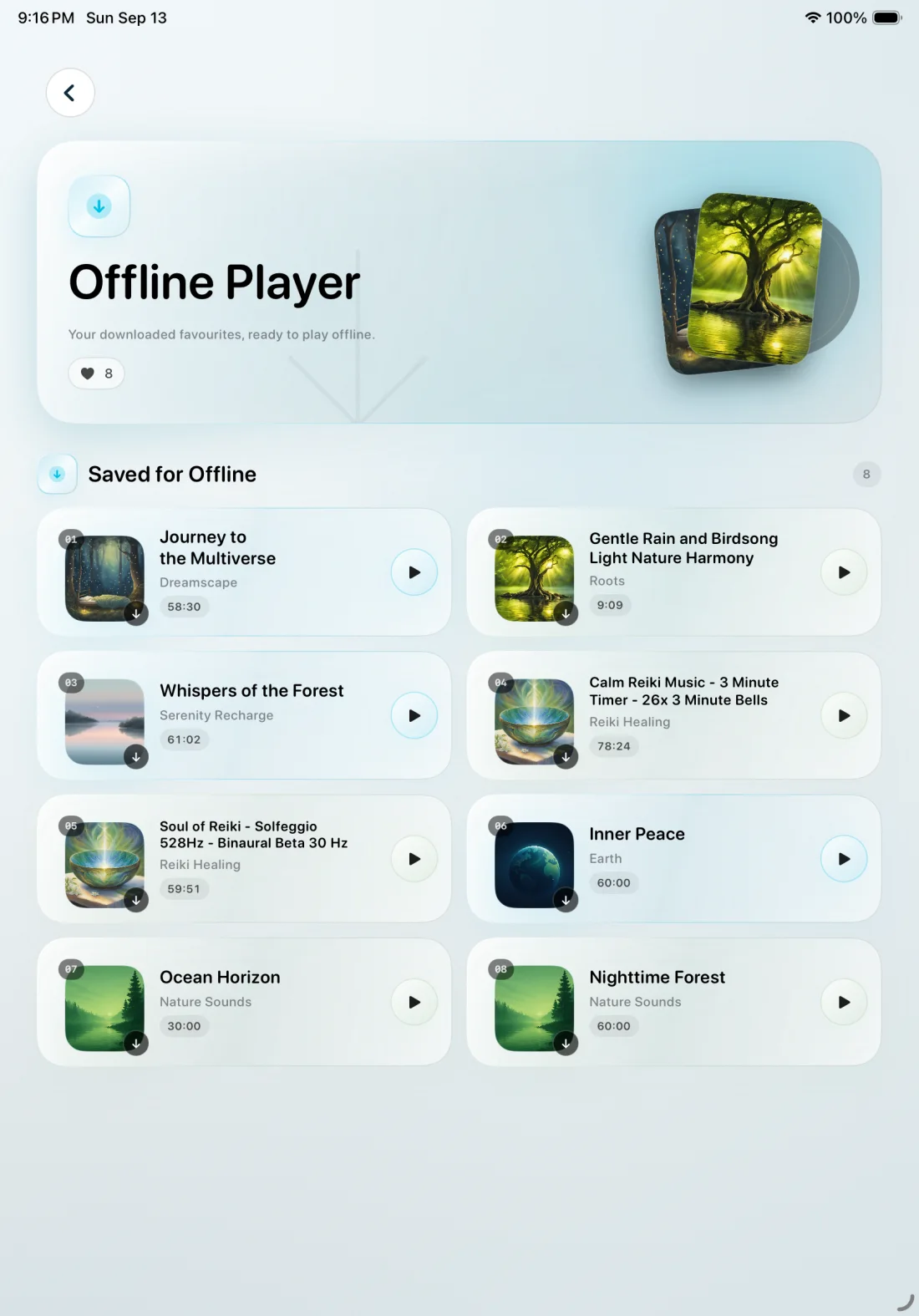

With permission, eligible completed sessions can be saved to Apple Health as Mindful Minutes. Harbour does not read Health data.
Access and gifting
Workplaces and schools can provide Harbour as an optional everyday resource. Clinics, studios, events and member programs can give the app directly to clients or customers. Every recipient chooses their own sound, breathing exercise and moment to use it.
For managed access, review Apple’s business or education purchasing routes. Where Apple makes redemption codes available, an eligible clinic or other provider can purchase codes and share them as a client gift, event benefit or welcome offer.
Available in 40+ languages.
Harbour: Calm & Sleep
Personal audio mixes and guided breathing, together in Harbour.
View on App Store